
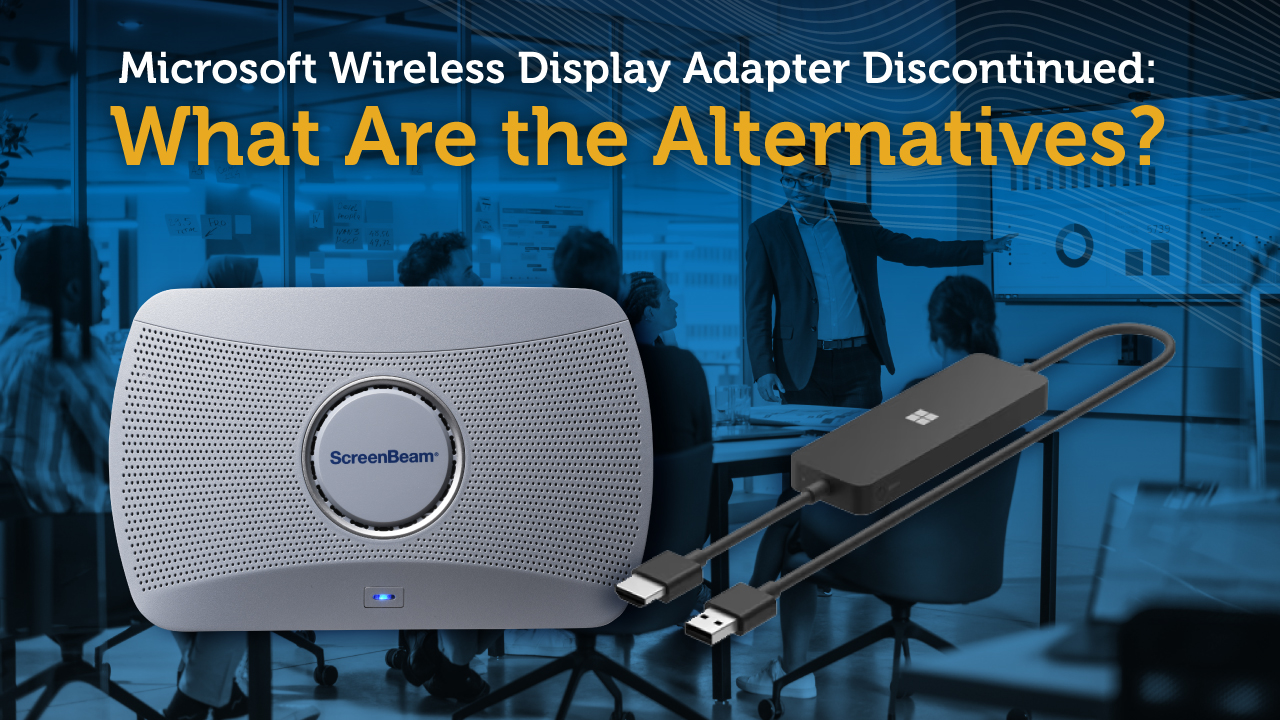
Many organizations searching for the Microsoft Wireless Display Adapter or the Microsoft Miracast Adapter are discovering that the product is no longer available for purchase.
Microsoft discontinued the Wireless Display Adapter as part of its decision to exit the PC accessories business. As a result, new units are no longer being produced, and remaining inventory is limited to third-party resellers.
For organizations that previously relied on this adapter for wireless screen mirroring, this raises an important question:
What should replace the Microsoft Wireless Display Adapter?
This guide explains what happened to the Microsoft adapter and compares it with modern wireless display platforms designed for enterprise and education environments.
Status of the Microsoft Wireless Display Adapter
Microsoft previously offered the Microsoft Wireless Display Adapter, a small Miracast receiver used for wireless screen mirroring from Windows devices.
However, the product has now been discontinued. Industry reports in 2025 confirmed that Microsoft stopped selling its PC accessories lineup, including the Wireless Display Adapter.
In practice, this means:
- No new units are being produced
- Remaining inventory is limited to third-party resellers
- Prices may be inflated due to limited availability
- No successor or replacement product has been announced by Microsoft
- Long-term firmware or compatibility updates are unlikely
Existing adapters may continue to function, but organizations relying on them should begin planning for alternative wireless display solutions.
Organizations searching for Microsoft Miracast Adapter or Microsoft Wireless Display Adapter replacement are often evaluating modern wireless display receivers designed for enterprise and education environments.
Recommended Replacement for Microsoft Wireless Display Adapter
Organizations that previously used Microsoft Wireless Display Adapter typically need a wireless display solution that supports:
- Miracast connectivity for Windows devices
- Cross-platform device compatibility
- Reliable connections in shared rooms
- Manageability for IT teams
Modern wireless display receivers such as ScreenBeam 1000 EDU Gen 2 are designed to support these needs while expanding beyond simple screen mirroring.
The following comparison explains how ScreenBeam differs from the Microsoft Wireless Display Adapter and why many organizations are adopting enterprise-grade wireless display platforms.
ScreenBeam vs. Microsoft Wireless Display Adapter
Choosing the Right Wireless Display Solution for Your Environment
Wireless display can mean different things depending on the environment. For some users, it is simply about mirroring a laptop screen to a TV. For organizations, it is often part of a standardized meeting room or classroom experience that needs to be reliable, secure, and consistent across many spaces.
The Microsoft Wireless Display Adapter was a straightforward solution for basic Miracast screen casting. ScreenBeam, on the other hand, is designed as an enterprise-grade wireless display and collaboration platform, built to support broader use cases, larger deployments, and IT-managed environments.
Microsoft Wireless Display Adapter: Simple Screen Mirroring
Microsoft Wireless Display Adapter was designed as a basic wireless screen-mirroring tool. It was typically used in smaller settings where ease of setup and low cost were the priority, and where centralized management was not required.
For occasional use, it could be a practical option. However, it was not built for standardized deployments across multiple rooms or campuses.
ScreenBeam: Wireless Display Built for Scale
ScreenBeam is built for organizations that deploy wireless display as part of a long-term collaboration strategy. It supports modern meeting and learning environments where multiple device types need to connect easily, while IT teams maintain visibility and control.
Rather than focusing only on casting, ScreenBeam supports a broader wireless experience that includes management, security, and additional platform capabilities.
Key Differences That Matter
Designed for Enterprise and Education Environments
ScreenBeam is designed specifically for enterprise and education deployments, where wireless display is expected to work consistently across different rooms, devices, and user types. This is especially important in environments where meeting spaces are shared and users rotate frequently.
The Microsoft adapter was primarily designed for basic screen mirroring and was often used more as a point solution than an organization-wide platform.
Broader Device Compatibility
Most organizations today support a mix of Windows, macOS, iOS, Android, and Chrome devices. ScreenBeam supports multiple OS-native wireless display technologies, including:
- Miracast
- AirPlay
- Google Cast
- BrowserCast
This makes it easier to support diverse users without requiring extra apps, dongles, or workarounds.
IT Management and Standardization
ScreenBeam is designed to be deployed and managed across multiple rooms, supporting consistency and standardization for IT teams. This helps organizations reduce support requests and maintain a predictable experience for end users.
Microsoft Wireless Display Adapter was typically managed as a standalone device, which could become limiting for larger rollouts.
Advanced Collaboration Support
In many meeting spaces, wireless display is only part of the experience. Users also expect to launch meetings, connect to room peripherals, and support hybrid collaboration.
ScreenBeam supports advanced workflows such as wireless conferencing and BYOM (Bring Your Own Meeting), helping organizations build a more modern meeting room experience.
Beyond Presentation: Communication Through Displays
ScreenBeam bundles can also include built-in administrative tools such as Signage+, Message Manager, and Alert+. This allows organizations to use displays not only for presentation, but also for digital signage, routine messaging, and urgent notifications.
This capability is especially valuable for organizations looking to extend the value of their display infrastructure beyond meetings.
Summary
The Microsoft Wireless Display Adapter was a practical solution for basic Miracast screen mirroring in smaller environments.
However, since the product has been discontinued, organizations relying on it should begin evaluating modern wireless display platforms.
ScreenBeam is designed for organizations that need wireless display to function as a reliable, scalable platform, supporting modern device diversity, IT-managed deployments, and collaboration experiences that go beyond basic casting.
For enterprise and education environments, ScreenBeam provides a more complete approach to wireless display and room connectivity.

Senior Director of Strategic Alliances for ScreenBeam Inc.